
Video: Wavy Modern Calligraphy Watercolor Layout
Happy Friday!
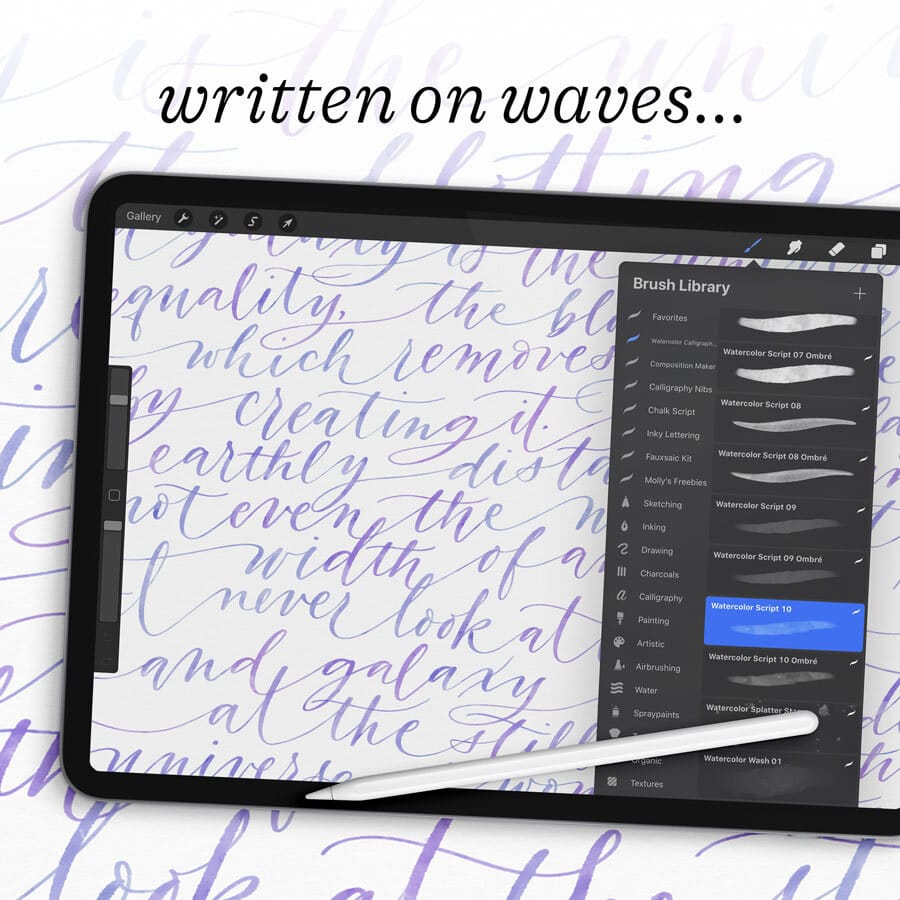
This week I’m demonstrating my newest Procreate kit: The Watercolor Calligraphy Brush Pack. I published a 20-minute demonstration and tutorial for it last week, so today I’m presenting a quiet layout design, using a fun technique that I like to use when I just want to relax and draw.
Written Instructions
- I start with the pencil brush that comes in the Watercolor Brush Pack – Soft Graphite Pencil – and draw a lot of wavy lines across my square canvas. This is totally freehand, and I’ll use them as baselines that I adhere to only very roughly. They’re more like baseline suggestions than a hard and fast template! My composition will be fifteen lines long, so after drawing fifteen loose waves, I select them all and center the block roughly on my canvas. Reducing the opacity of the lines so they don’t distract me while I’m writing, I then make a new blank layer above them.
- Next, I select the colors for my watercolor calligraphy. I’m using one of my watercolor ombré brushes, which means I want to select not one but two colors from my swatch palette (found in the upper right corner of the color palette window). These two colors will blend together as I write. Each brush in the Watercolor Calligraphy Pack has different paint characteristics, from opacity to pigmentation to edge bleed. So today I chose the Watercolor Script Brush #10 Ombré, because I want that color variation described above. Brush #10 is one of the many brushes in the pack that is great for delicate calligraphy and flourishes.
- Now I write out my text along my freehand baselines, ignoring them where I see fit but at least using them a starting point! To create an even stronger sensation of waves, I connect the words themselves with long connector strokes, and make each line bleed off the edge of the page.
- To make the most out of the ombré effect, lift between every letter, or every couple of letters. Then, when the lettering is complete, go back into the art with the Smudge Tool and Smudge Brush for Blending Stroke Overlaps and blend together the regions where you can see overlapping strokes. I explain this technique in depth in last week’s tutorial.
- Creating a blank layer behind my artwork, I will paint in a realistic watercolor paper background. I do this by selecting off-white from the color palette and the Cotton Paper Background Brush from the brush library. I paint the entire background, then reduce the opacity of the layer if I think it’s a bit too dark.
- Finally, I set my watercolor art layers to Linear Burn blending mode, because this makes them blend into the background paper texture even more realistically!
Resources
Procreate brushes used in the video:
All from the Watercolor Calligraphy Procreate Brush Pack:
Watercolor Script 10 Ombré Brush
Smudge Brush for Blending Stroke Overlaps
Cotton Paper Background Brush
Soft Graphite Pencil
MORE iPad layout design VIDEOS:
Flourished Calligraphy Circles in Procreate
French Lyrics Layout in Procreate
My Technique for Flourishing Calligraphy in Procreate
Flourished Calligraphy Quote in Real-Time for Procreate
iPad TOOLS USED in the video:
Procreate App
12.9" iPad Pro
Apple Pencil
Touch screen glove
Like this post? Please Pin it! Share it! Tweet it!
IT’S THE BEST, FREE WAY TO SUPPORT ARTISTS YOU APPRECIATE.
IAMPETH Virtual Calligraphy Summit 2023
Register today for this two-day, online event featuring demonstrations by twelve calligraphers from around the world (including me!) followed by Q&A sessions. Read More →
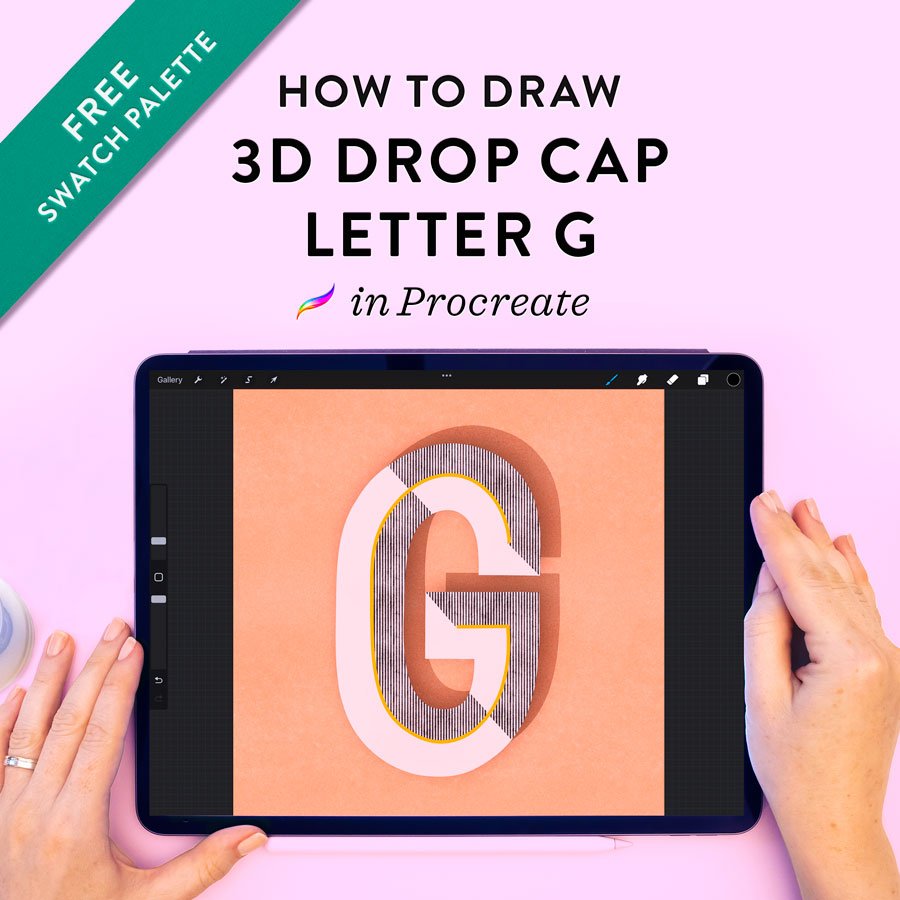
How to Draw a Drop Cap Letter G in Procreate
Learn how to draw this 3D drop cap letter G with a retro vibe, geometric dimension, and real texture. This technique uses Procreate for the iPad. Read More →
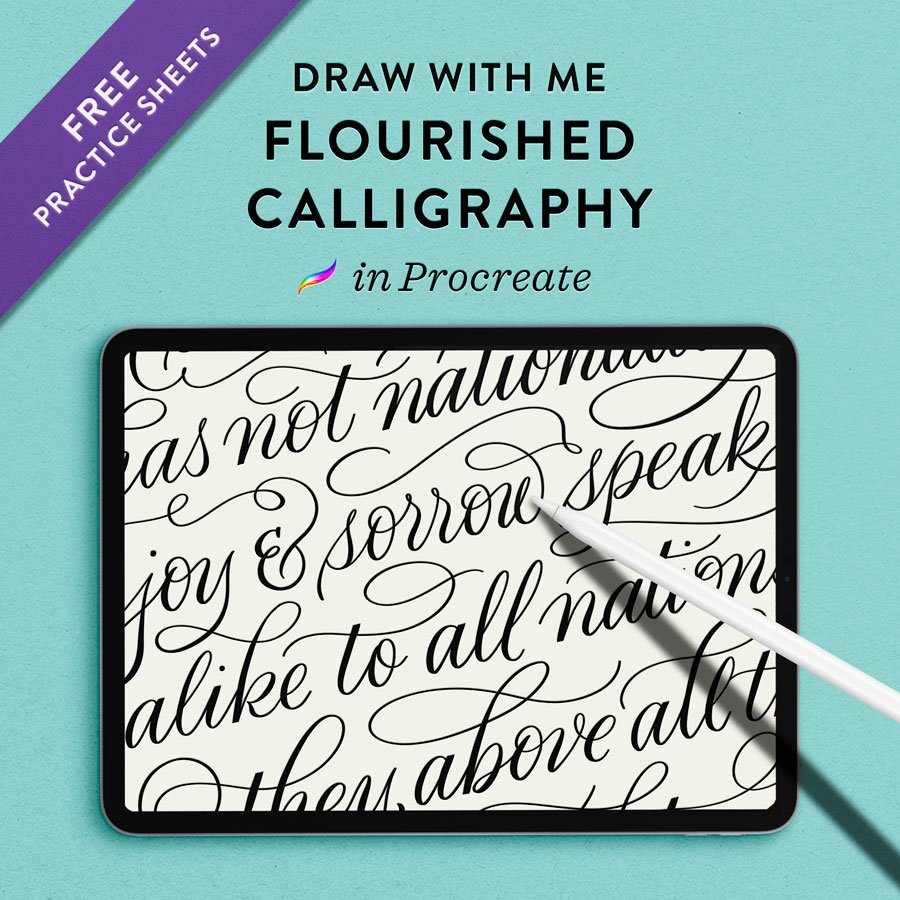
Draw with Me: Extra Flourished Calligraphy Layout
Draw with me! You can follow along with this super flourished calligraphy layout from home using my free flourishing practice sheets. Read More →
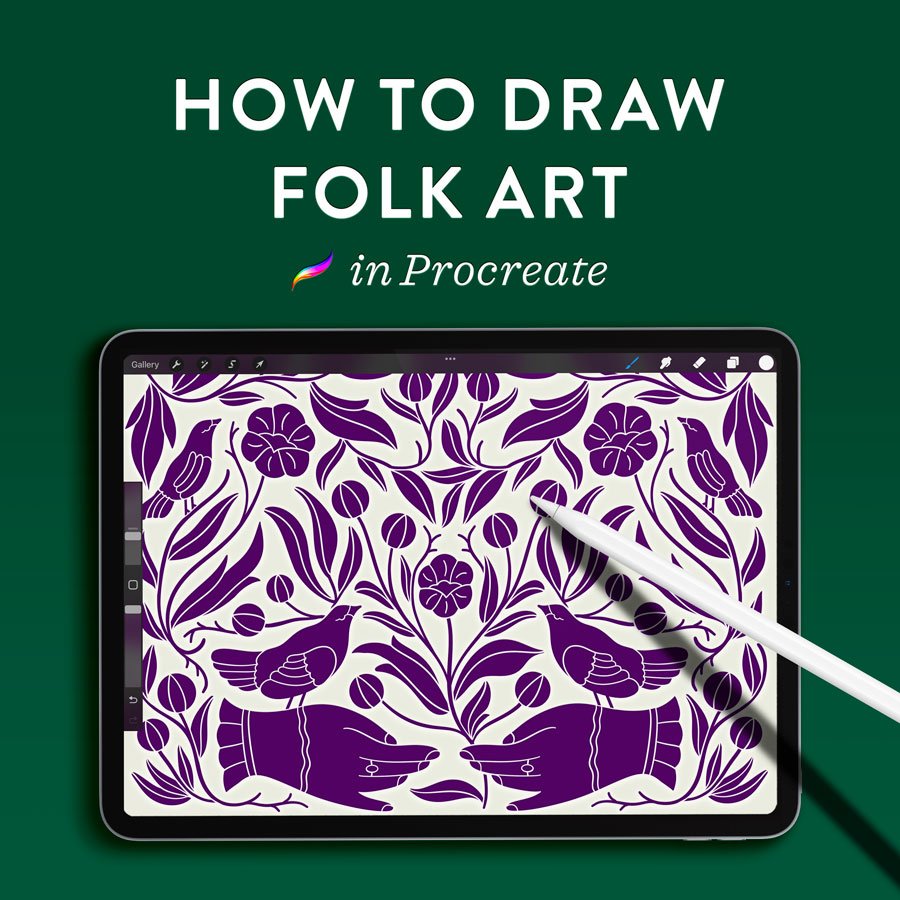
How to Draw Folk Art in Procreate
Learn how to draw this intricate, folk art-inspired illustration in Procreate using just a handful of repeated motifs. This is something that anyone can do, whether you consider yourself an illustrator or not. Read More →
24 Days of Calligraphy: A Month of Freebies!
It’s freebie month! I’m revealing new free practice sheets every single day from December 1st to 24th! Read More →
Capital Calligraphy Alphabet Demo
Watch me write out the whole uppercase calligraphy alphabet in Procreate – flourishing included! – using my Vintage Pointed Pen brush. Read More →
8 Animal Flourishes in Real Time
A real-time demonstration of pointed pen animal flourishing! I’m using my favorite calligraphy brush for the Procreate app. Read More →
Marbled Paper Four Ways in Procreate
Learn four ways to paint mesmerizing marbled paper pattern effects on your iPad. Great backgrounds for hand lettering designs and patterned papers! Read More →
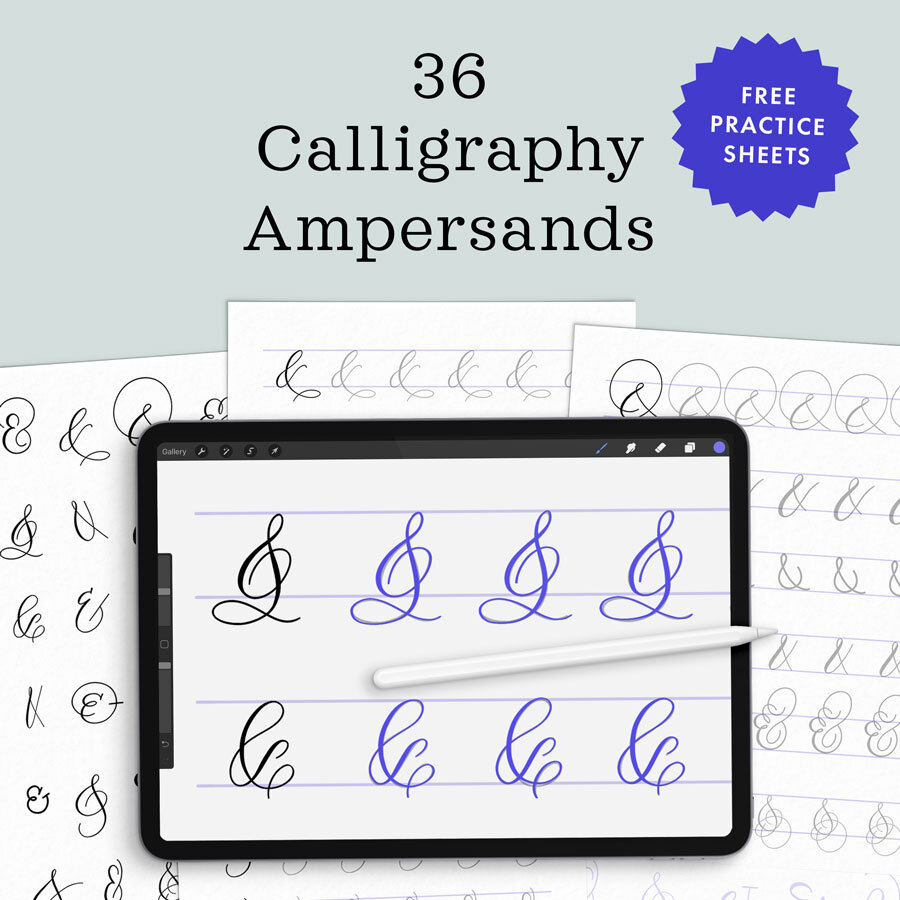
Watch me demonstrate 36 different styles of everyone’s favorite glyph: the ampersand. Download FREE practice sheets to follow along! Read More →
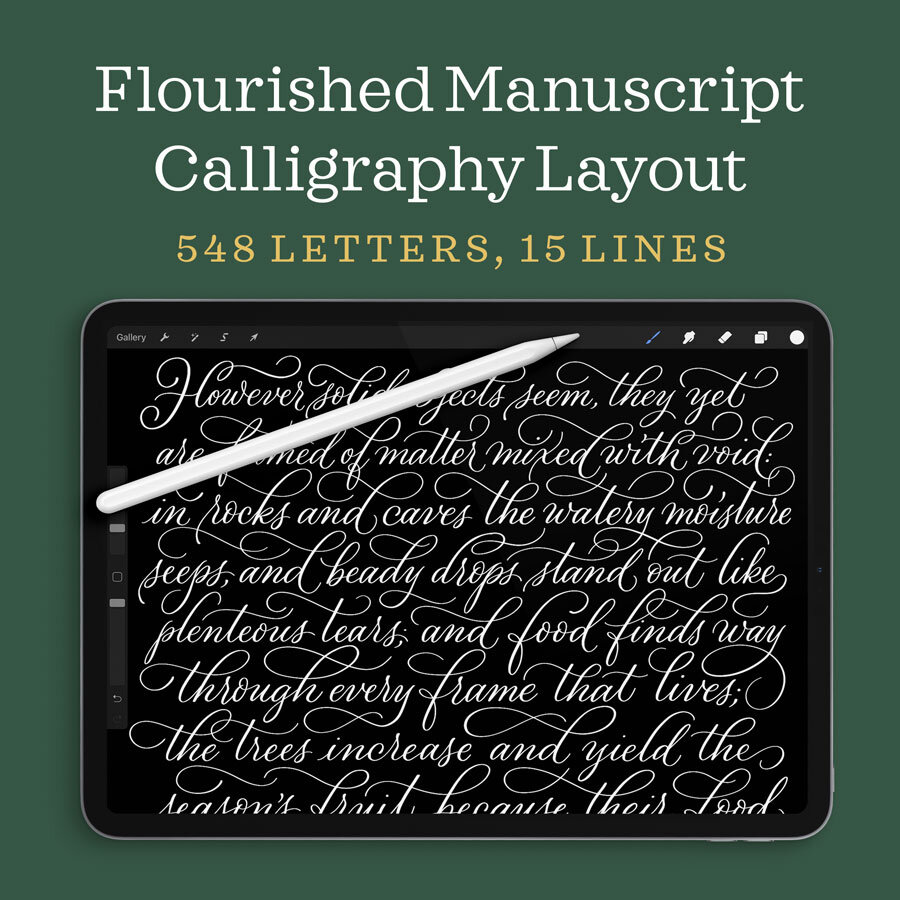
Flourished Modern Calligraphy Manuscript Layout
Watch my complete process for a flourished manuscript layout, from sketch to pointed calligraphy pen. This is a relaxing, quiet video with simple instructions. Read More →
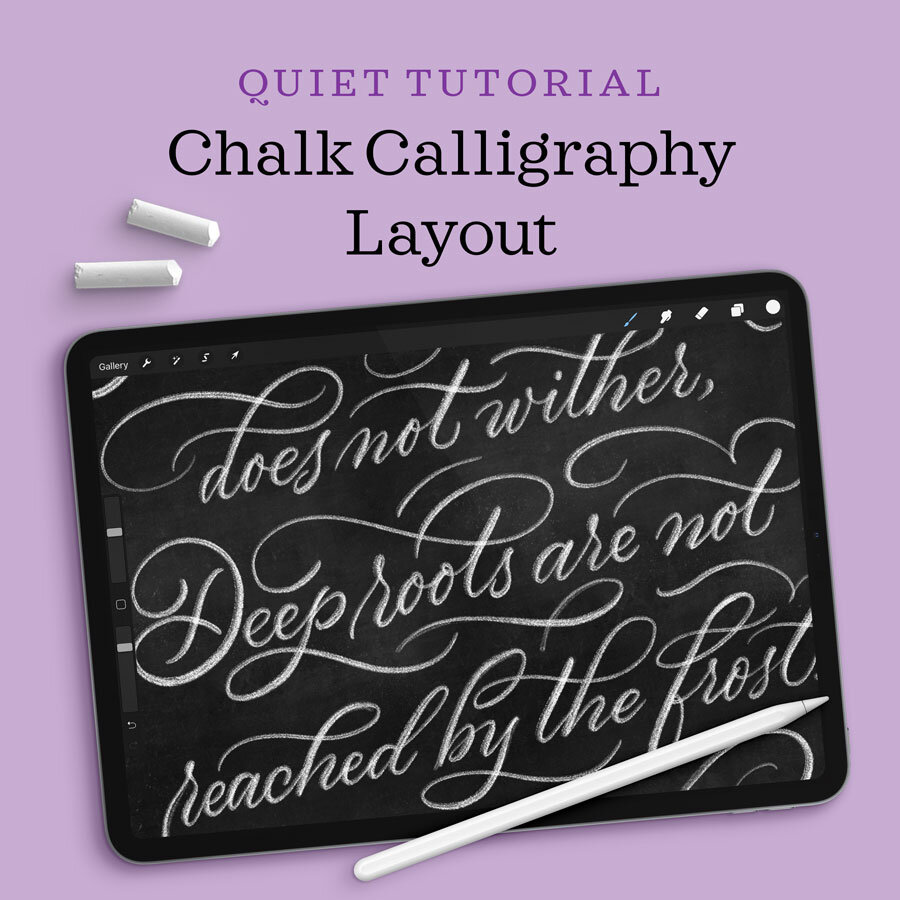
Chalk Calligraphy Layout in Procreate
Here’s a quiet calligraphy layout design tutorial using my newest chalk lettering brushes. Pour yourself a cup of tea and enjoy! Read More →
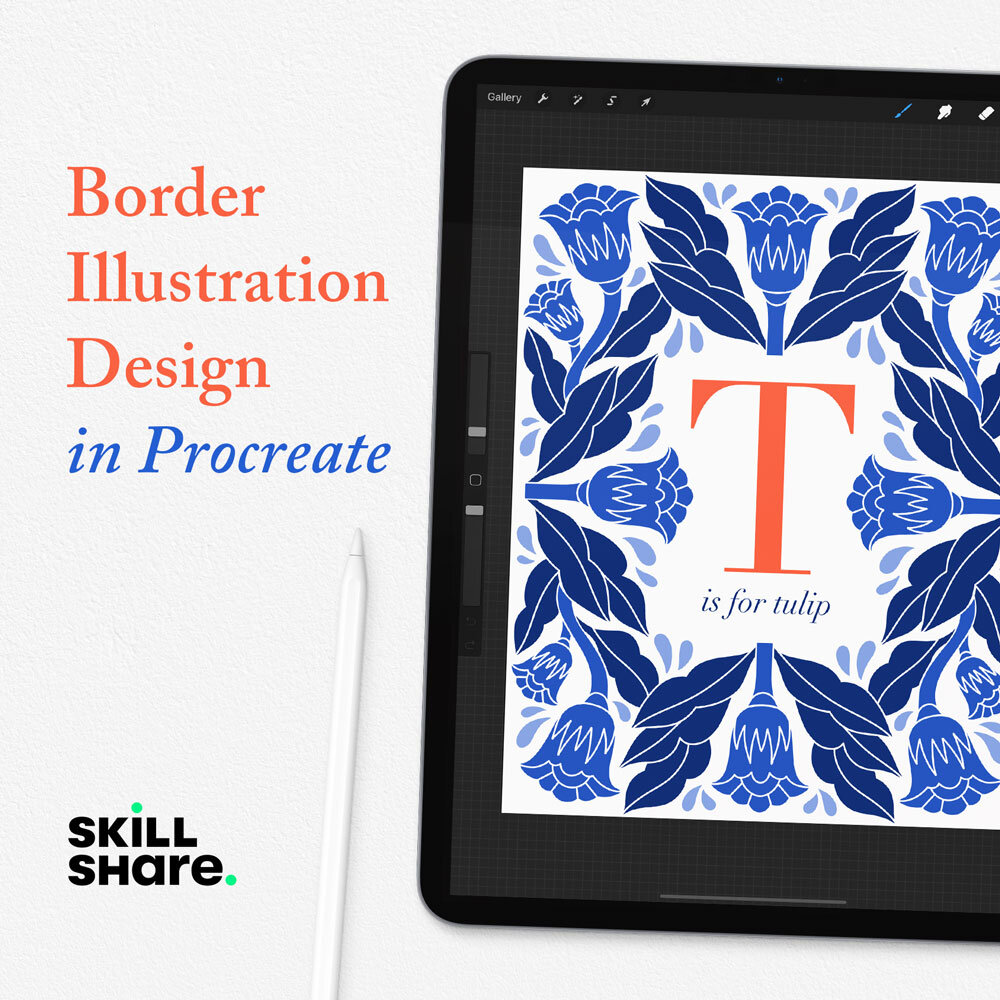
Border Illustration Design in Procreate: A Skillshare Class
In my new Skillshare class, you will learn how to illustrate a Scandi-style floral border using symmetry guides. This is a fun drawing technique with endless possibilities! Read More →